

Reading practice that helps every child say: I can.
Short daily sessions, stories at exactly the right level, and a coach for parents. Built for children with dyslexia.
Free during early access. Best on a tablet; works on iPad, iPhone and Android phones and tablets.

Why KianCan
Reading shouldn’t feel like failing
Falling behind
Many children with dyslexia fall behind in reading, and it can knock their confidence.
Books above their level
School books are often written above the level a child can read yet, so every page is a struggle.
Parents left guessing
Parents want to help at home, but aren’t sure what to practise, or what to say when their child gets stuck.
How it works
A little practice every day, one step at a time
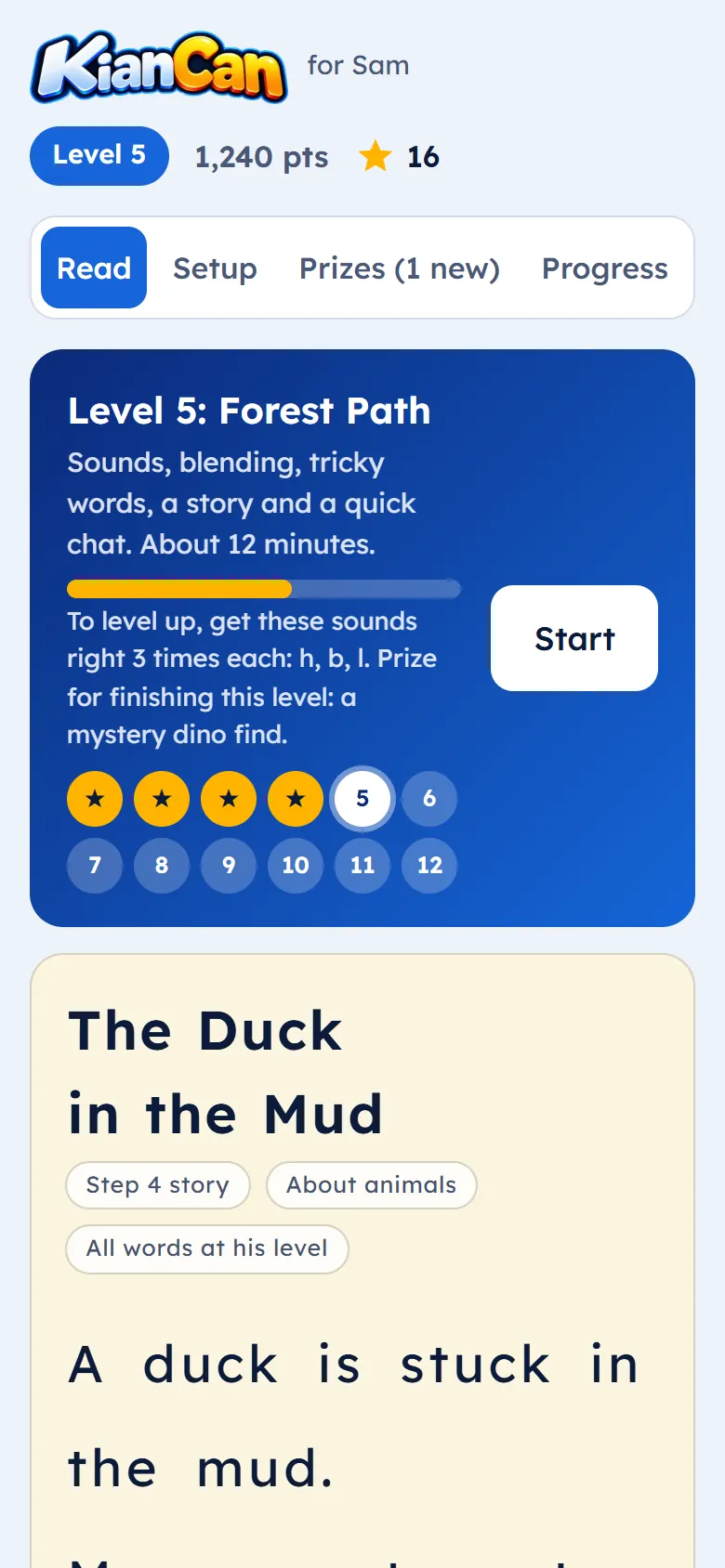
A 3-minute placement check
A few questions for you and a short check with your child find the right starting level. Age never sets the level; what they can read does.
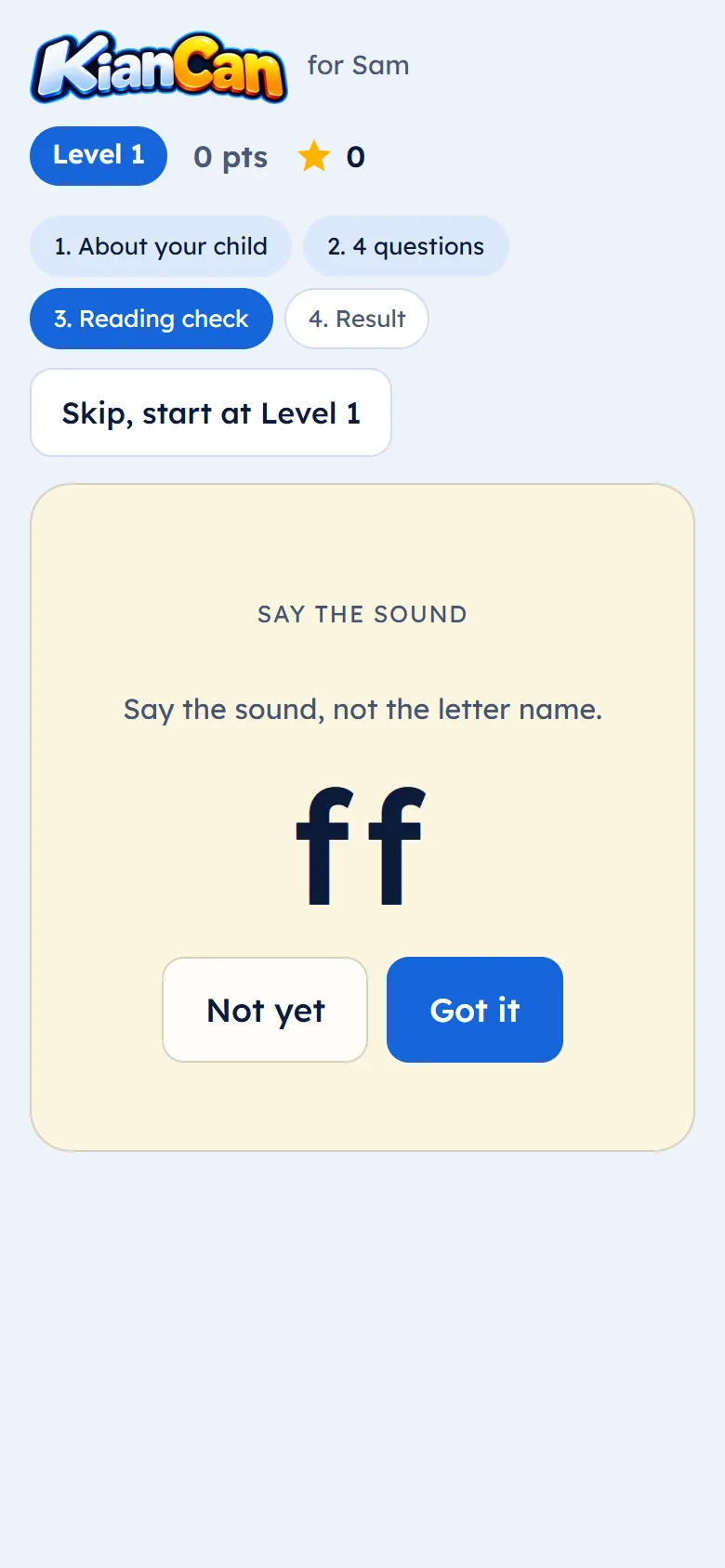
A 12-minute daily session
Sounds, blending, tricky words, a story at exactly the right level, and a quick chat about it. You sit together and tap; your child reads.
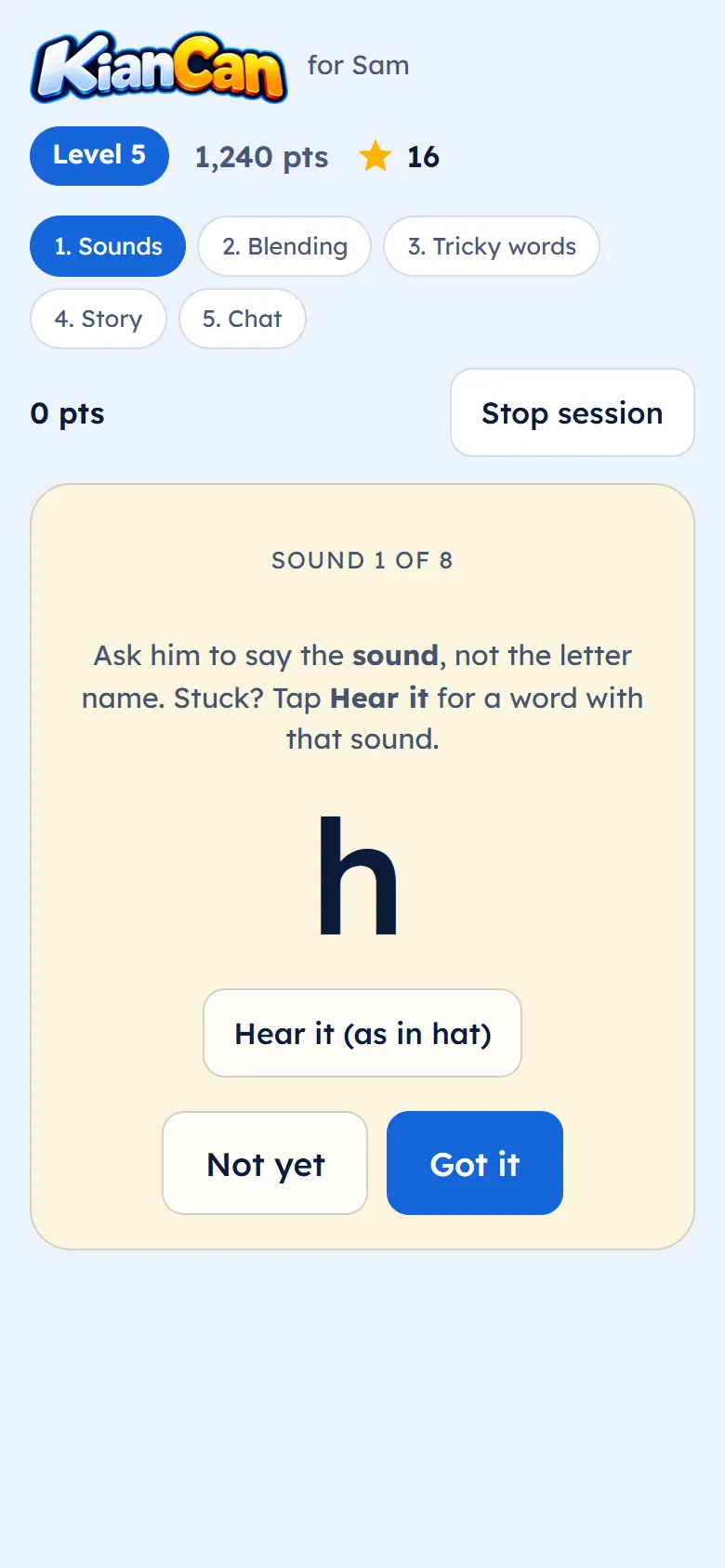
Level up through 12 levels
New sounds unlock only when the last ones are secure. Each level brings new stories and a prize.
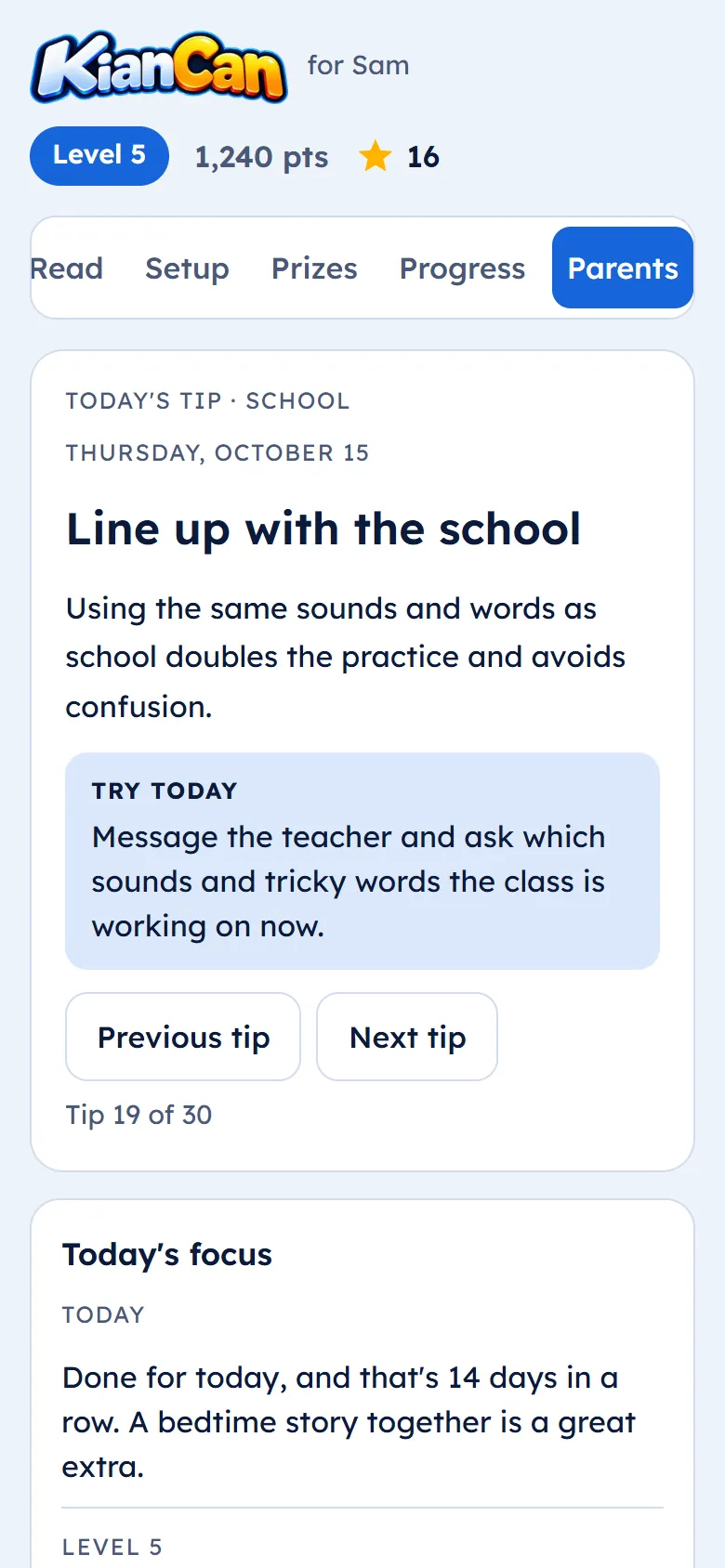
Parents see progress and get tips
Today’s focus, the sounds to practise, and a short tip every day, written for parents, not teachers.
For kids
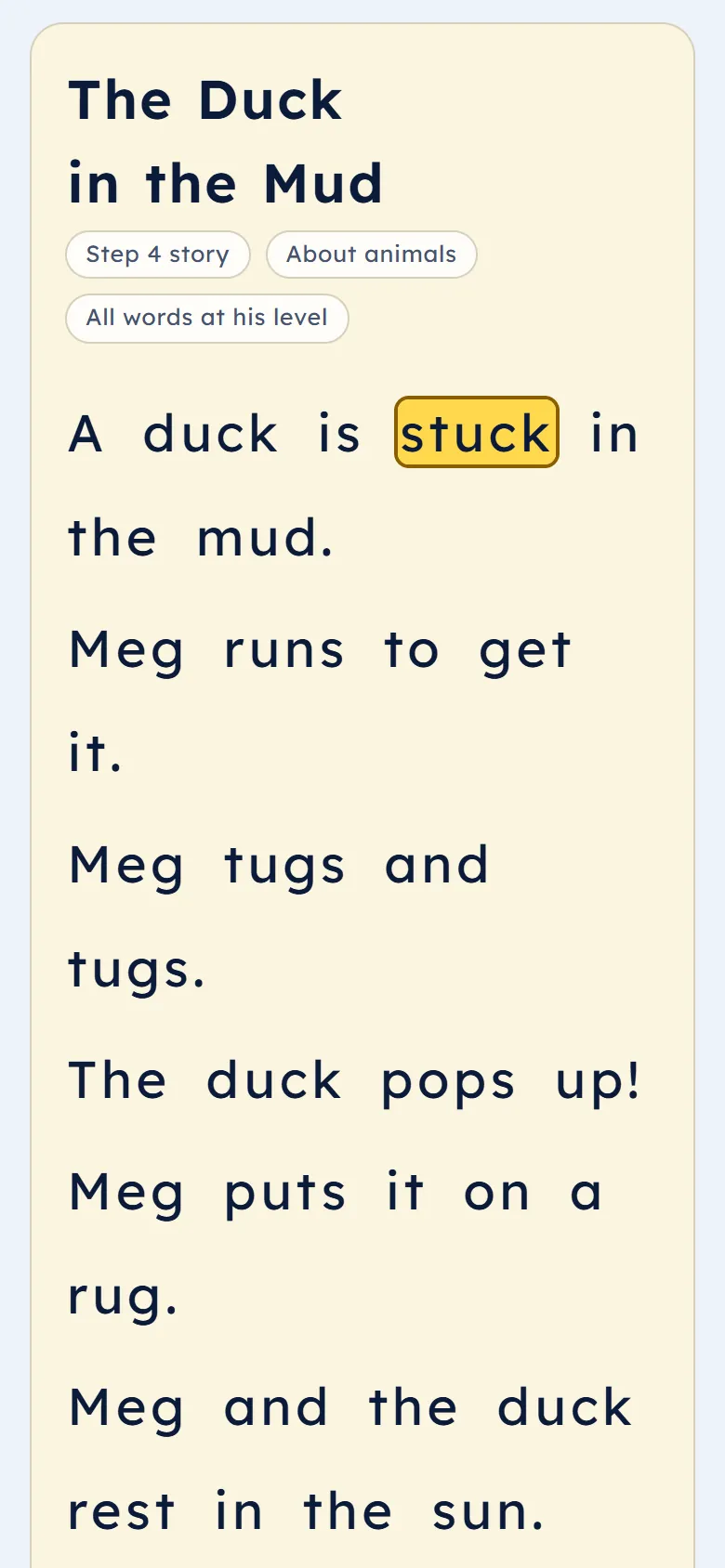
Stories about what they love
- Stories at their levelFootball, dinosaurs, space: every story uses only the sounds your child has learned.
- Read it to meRead-aloud with each word highlighted. Tap any word to hear it.
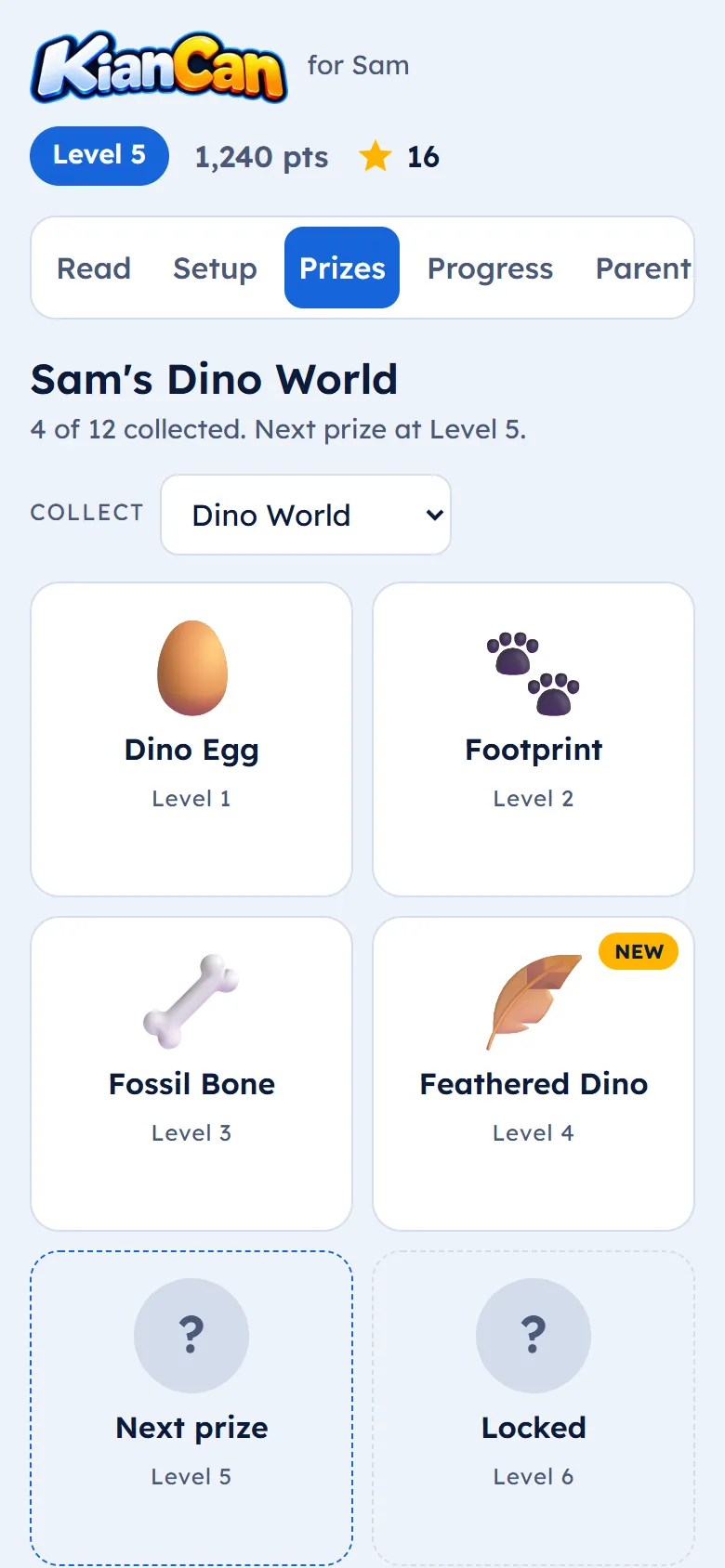
- Levels, points and combosGetting words right in a row builds a combo. Every session earns stars.
- Prize collectionsA new prize for every level: dinosaurs, animals, space, football and more.
For parents
You don’t need to be a teacher
KianCan tells you what to practise today and how to help, in plain words.
Today’s focus
The sounds and words to work on today, and a game to play away from the screen.
A tip every day
What to say when your child gets stuck, and what to avoid.
Progress you can see
Sounds learned, the streak, minutes this week, and reading checks over time.
Both parents, any phone
Progress syncs between both parents’ phones, iPhone or Android.
Works offline
Daily sessions and library stories work with no internet, and sync later.
Honest marking
“Not yet” is how the app knows what to repeat, so nothing is skipped too soon.
Smart features
Help with real reading, too
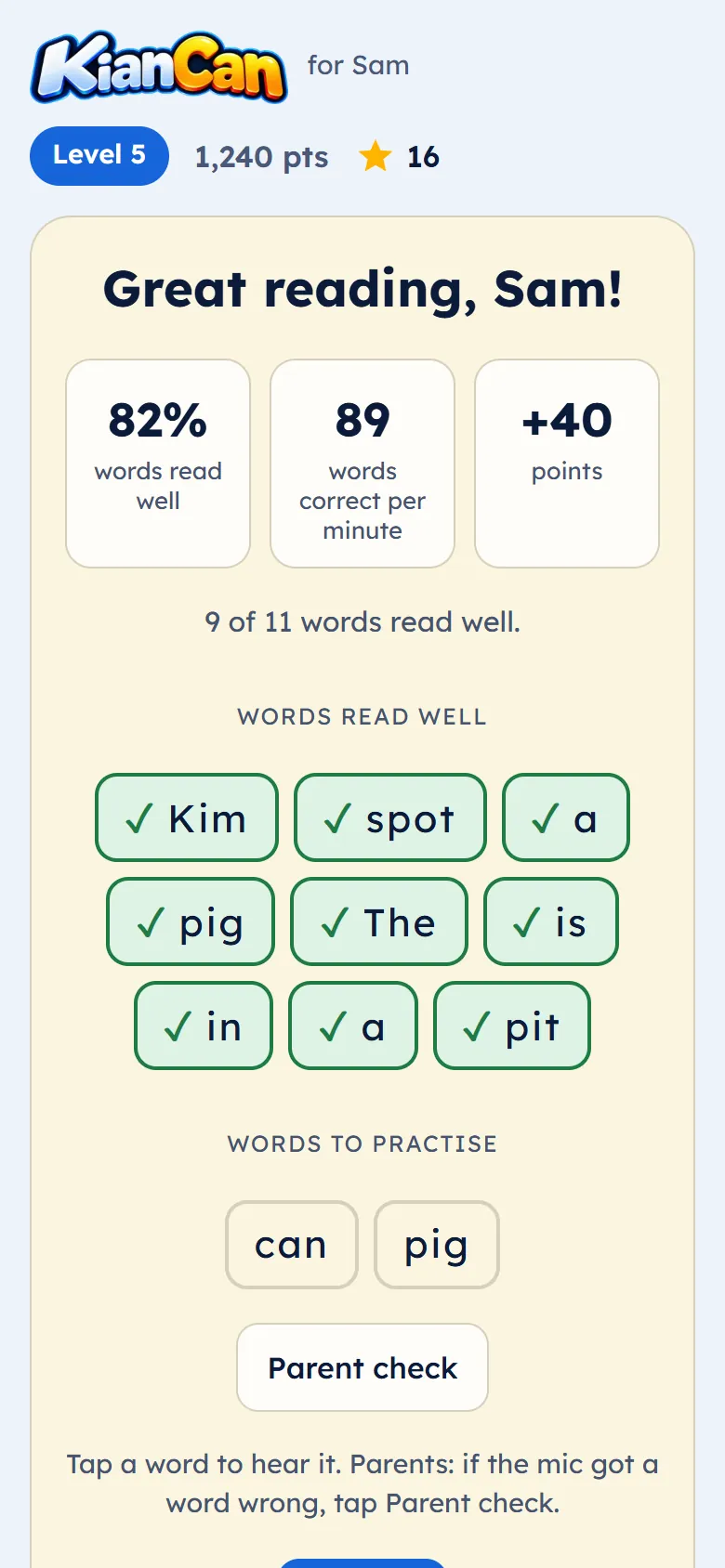
- Check my readingYour child reads a story aloud, one line at a time. The mic listens and shows reading speed, the words read well and the words to practise. You can correct it: your marking always counts.
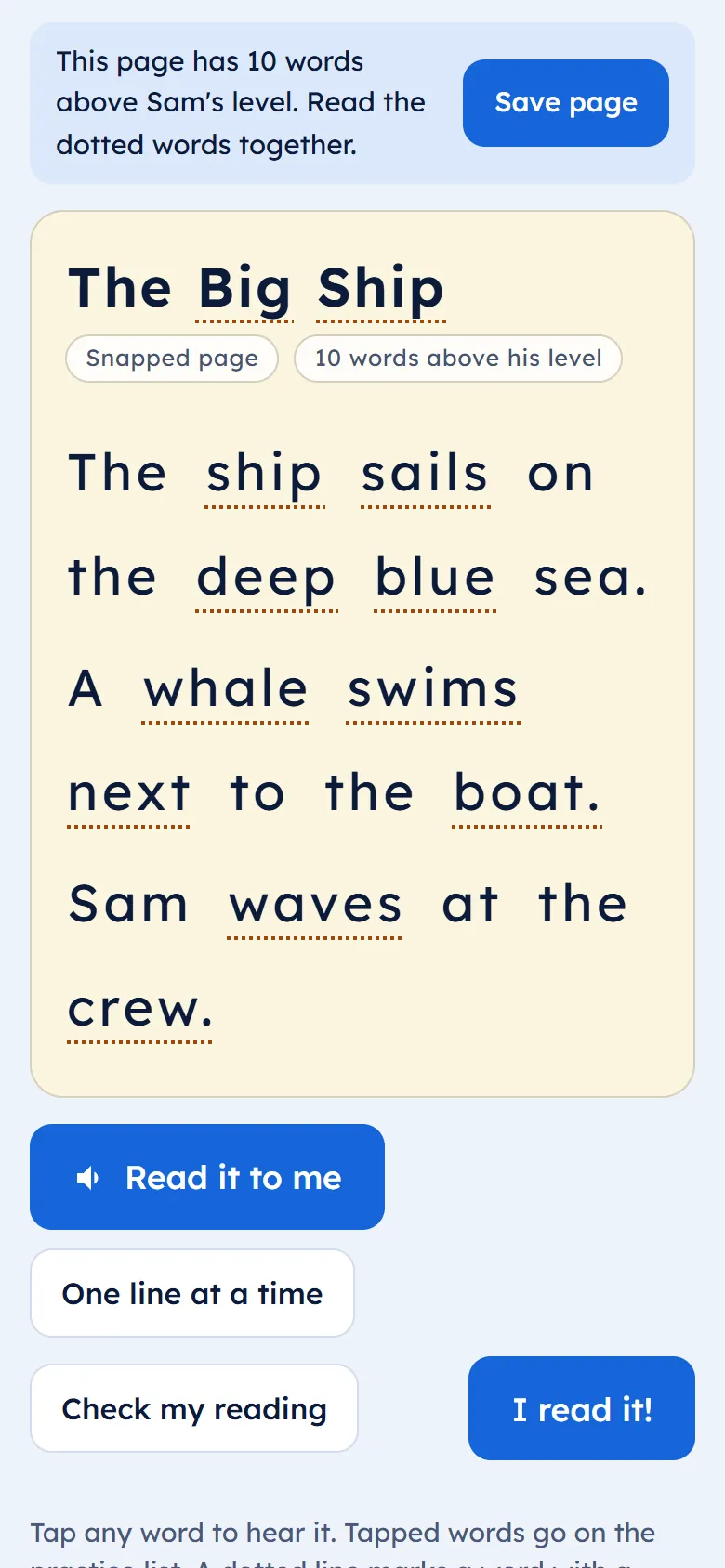
- Snap a pageTake a photo of a page from a school book. It opens in the reader with read-aloud, and the words above your child’s level are marked so you can read them together. A tablet makes it easiest to take a clear, flat photo of the page.
The method
Built on how reading is taught
Systematic phonics
Sounds are taught in a fixed order, from s-a-t-p to vowel teams.
Decodable text
Every story is checked so your child can sound out every word.
Mastery first
New sounds come only when the last ones are secure.
Multisensory practice
Seeing, hearing and saying sounds, plus ideas for practice away from the screen.
Dyslexia-friendly design
The Lexend font, soft page colours, large text and generous spacing.
Privacy and safety
Made for children, run by parents
Parents only
Parents sign in. Children never have an account or an email address.
No ads, no tracking
No advertising, no analytics trackers, and we never sell data.
Audio and photos never stored
Reading checks and snapped pages are processed and deleted. Only the results are kept.
Data stored in the EU
Your family’s data is stored in the EU. You can download or delete it at any time.
Our story
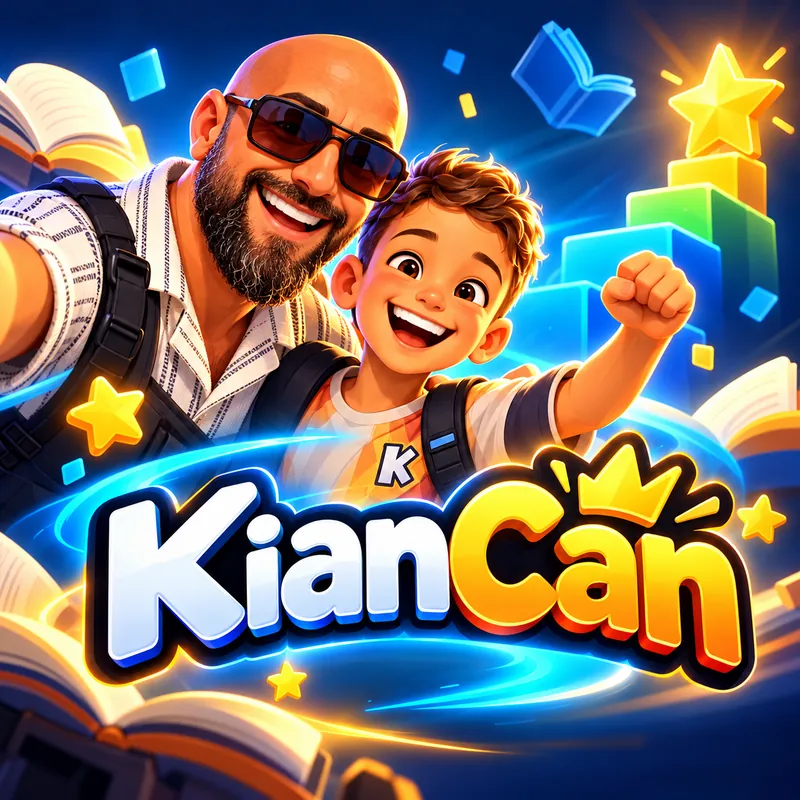
Built in Gozo, Malta, by a dad for his own son.
KianCan started with my son, Kian. Watching him struggle with reading made me realise how frustrating something so simple for others can be for a child with dyslexia. I wanted to create something that made learning feel less like a struggle and more like an adventure, where every small achievement is worth celebrating.
So, here in Gozo, Malta, I started building KianCan. What began as a way to help my own son has become something I hope will help children everywhere.
Because every child deserves to believe: I CAN.
Questions
Frequently asked questions
Is it only for children with dyslexia?
No. KianCan is designed with dyslexia in mind, and any child who is learning to read with phonics can use it.
What ages is it for?
Children aged 4 to 14. The starting level comes from what your child can read, never from their age. Age only sets how long sessions are and the tone of the stories.
Does it replace a tutor or specialist?
No. KianCan supports the work of teachers, tutors and specialists with short, regular practice at home. It does not diagnose or treat dyslexia.
Which device is best?
A tablet is ideal. The bigger screen makes the text larger and easier to read, and it is easy to take a clear photo of a school book page. Phones work well too.
Does it work on iPhone and Android?
Yes, on phones and tablets, including iPad. Open kiancan.com/app in Safari or Chrome and add it to your home screen. There is no app store download, and daily sessions work offline.
Is it available in Maltese?
Not yet. English (UK) comes first. Maltese is planned for later.
What does it cost?
It is free during early access.
Start today: one short session a day.
Set up takes a few minutes, then a 3-minute check finds your child’s starting level.
Start free